
News
Featured
Contact Us
Contact: POWER DUKE
Phone: +86 18059884790
E-mail: plc66@qq.com
Add: fujian xiamen
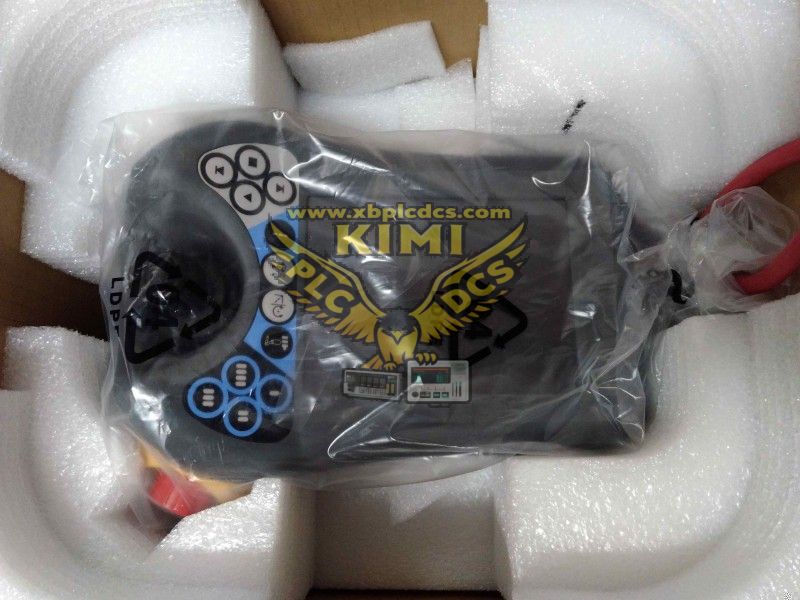
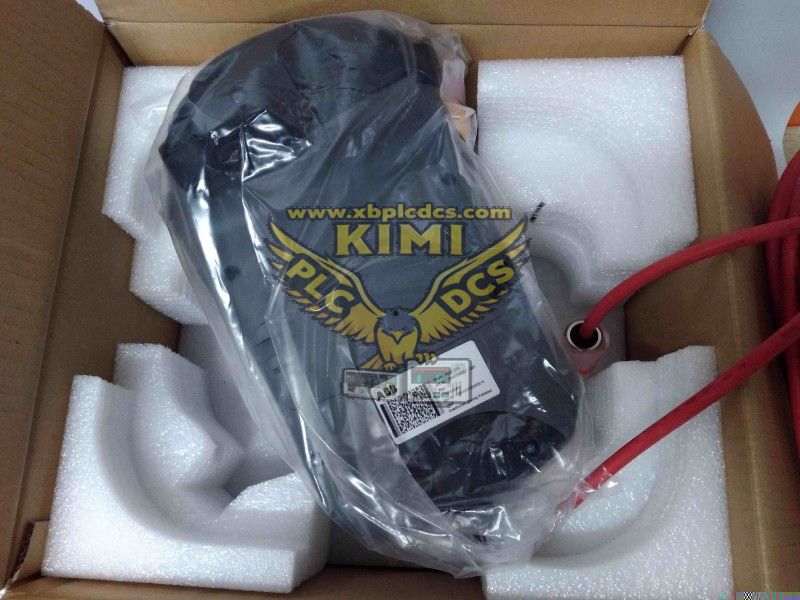
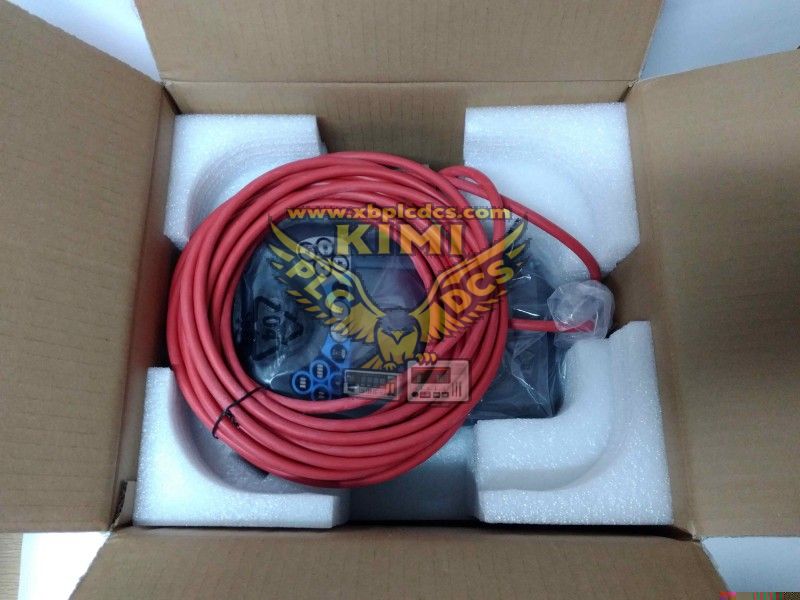

- Part number:ABB DSQC679 3HAC028357-001
- Warehouse: Spot
- Warranty: 365 days
- Quality: Original module
- Condition: New
- Shipping method: Courier delivery
- Contact person: LI MING
- Contact number: +86 18059884790
- WeChat:18059884790
- E-mail: plc66@qq.com
Product Model: ABB DSQC679 / 3HAC028357-001 Robot Teach Pendant
1. Product Description
DSQC679 (Part No. 3HAC028357-001) is the original handheld teach pendant exclusively matched with ABB IRC5 industrial robot controllers. Equipped with a high-resolution touch LCD screen, three-position enabling deadman switch, physical shortcut operation keys and a flexible communication cable, this handheld programming unit adopts an industrial dustproof and anti-drop plastic housing. It supports multi-language human-machine interface, built-in emergency stop button, and complies with international machinery safety standards for robot manual jogging, program editing and on-site debugging.

2. Core Product Functions
- Manual jog control of robot six-axis joint movement and linear coordinate motion
- Offline & on-site editing, creation, modification and deletion of robot RAPID programs
- Real-time display of robot position data, IO signals, alarm logs and servo status
- Parameter configuration of robot payload, speed, work objects and coordinate systems
- Safety control via 3-stage deadman switch and integrated emergency stop circuit
- Backup and restore of robot system programs, configurations and tool data
Troubleshooting inquiry for fault codes and historical error records

3. Application Scenarios
- ABB IRC5 cabinet industrial articulated robot debugging and programming
- Automotive welding, painting, assembly and stamping robot stations
- Electronics factory handling, palletizing, dispensing and testing robots
- Food, logistics and metal processing automated robotic production lines
- Robot laboratory teaching, equipment maintenance and on-site modification
Automated warehouse AGV + robot integrated handling systems

4. Common Problems & Troubleshooting
Q1: Teach pendant screen no display after connecting to controller
A: Inspect communication cable breakage or loose connector pins; check IRC5 controller power supply status; replace damaged teach pendant cable and re-plug firmly.
Q2: Robot cannot jog even when holding the deadman switch halfway
A: Confirm all emergency stop loops on robot cell are reset; check axis limit alarm signals; verify robot auto/manual mode switch status on controller cabinet.
Q3: Touch screen unresponsive or touch offset failure
A: Clean screen surface dust and liquid residue; execute touch calibration function in pendant system menu; replace touch panel if internal layer damage occurs.
Q4: Frequent communication disconnection between pendant and robot controller
A: Avoid dragging and bending the communication cable sharply; check cable connector metal pins for oxidation; replace aging signal cable and shield cable from electromagnetic interference sources.