
Product
Product
News
Featured
Contact Us
Contact: POWER DUKE
Phone: +86 18059884790
E-mail: plc66@qq.com
Add: fujian xiamen
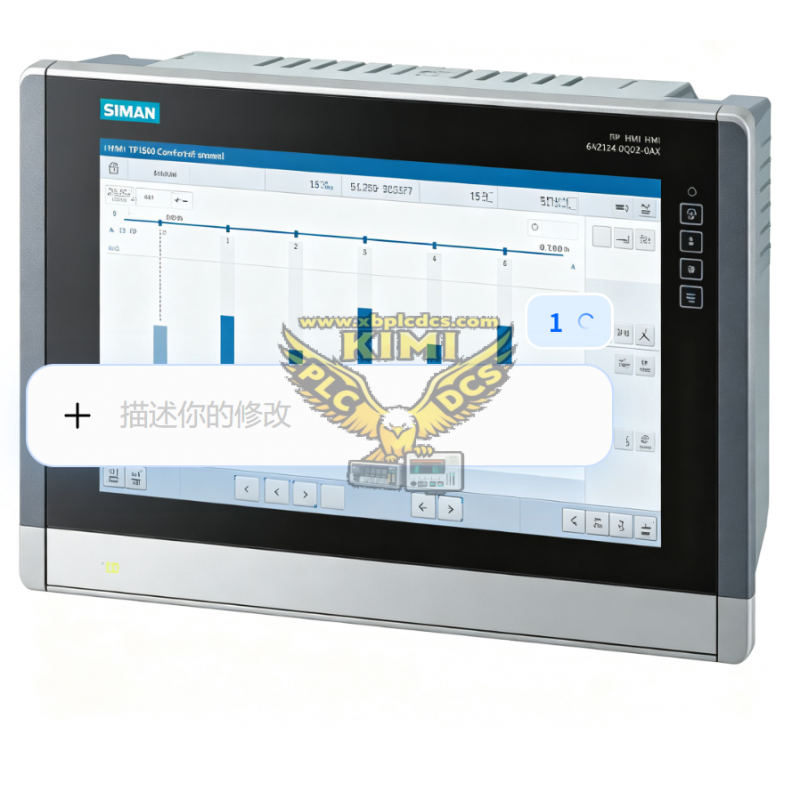
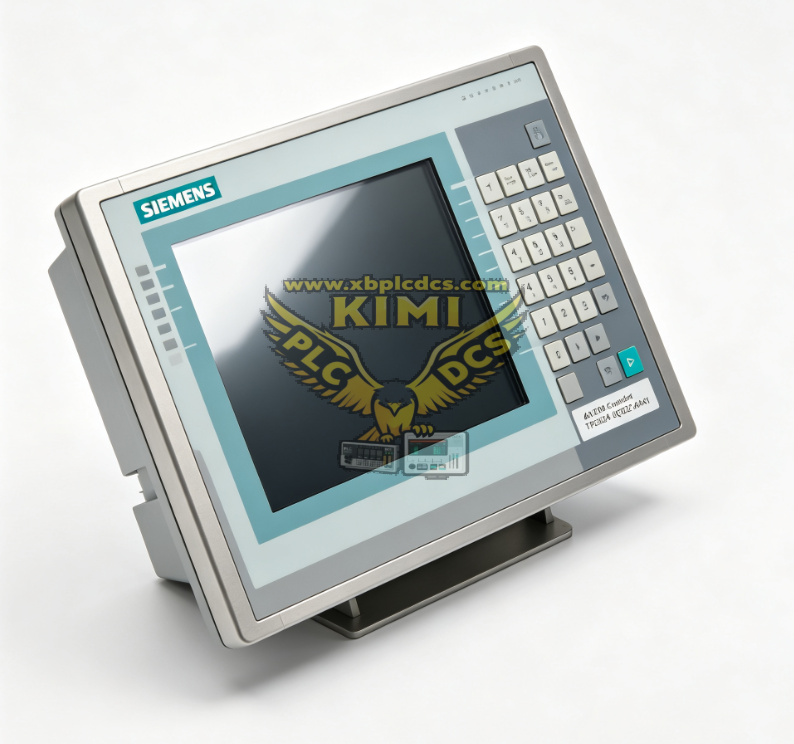
6AV2124‑0QC02‑0AX1 SIEMENS TP1500 Comfort Panel
- Warehouse: Spot
- Warranty: 365 days
- Quality: Original module
- Condition: New
- Shipping method: Courier delivery
- Contact person: LI MING
- Contact number: +86 18059884790
- WeChat:18059884790
- E-mail: plc66@qq.com
Product Description
6AV2124‑0QC02‑0AX1 SIEMENS TP1500 Comfort Panel
Product Description
6AV2124‑0QC02‑0AX1 is the Siemens TP1500 Comfort HMI touch panel, belonging to the SIMATIC Comfort series. It is equipped with a 15‑inch widescreen TFT display with 1366 × 768 resolution and resistive touch screen. This operator panel is designed for communication with Siemens S7‑1200/S7‑1500/S7‑300/S7‑400 PLCs. It integrates Ethernet and PROFIBUS interfaces, supports multi‑language operation, and adopts a robust front panel for cabinet mounting in industrial environments.
Product Functions
- Real‑time display of production data, process values, alarms and trend curves
- Touch operation for parameter setting, equipment start/stop and mode switching
- Alarm logging, recipe management and data recording for production batches
- Multi‑language switching for international production lines
- Ethernet / PROFIBUS communication to exchange data with PLC and peripheral devices
- User access management with different authority levels to avoid unauthorized operation
Application Scenarios
- Automated production lines and assembly machinery
- Packaging machines, printing equipment and material handling systems
- Water treatment plants, heating and HVAC control systems
- Chemical, pharmaceutical and food processing industry control cabinets
- Energy equipment, wind power and small power station monitoring systems
Common Problems
- Touch screen unresponsive or inaccurate: Caused by touch layer aging, surface scratch or excessive electromagnetic interference.
- Screen flickers or no display: Power supply instability, backlight failure or loose internal display connector.
- Cannot connect to PLC: Wrong communication parameters, damaged Ethernet cable or incompatible firmware version.
- Project loss or program crash: Faulty SD card, sudden power cut or insufficient storage space.
- Alarms fail to record or data log missing: SD card damage, incorrect logging configuration or storage overrun.
Related recommendations